PEOPLE. BUSINESSES. AI ASSISTANTS.

Your request.
A real-world result.

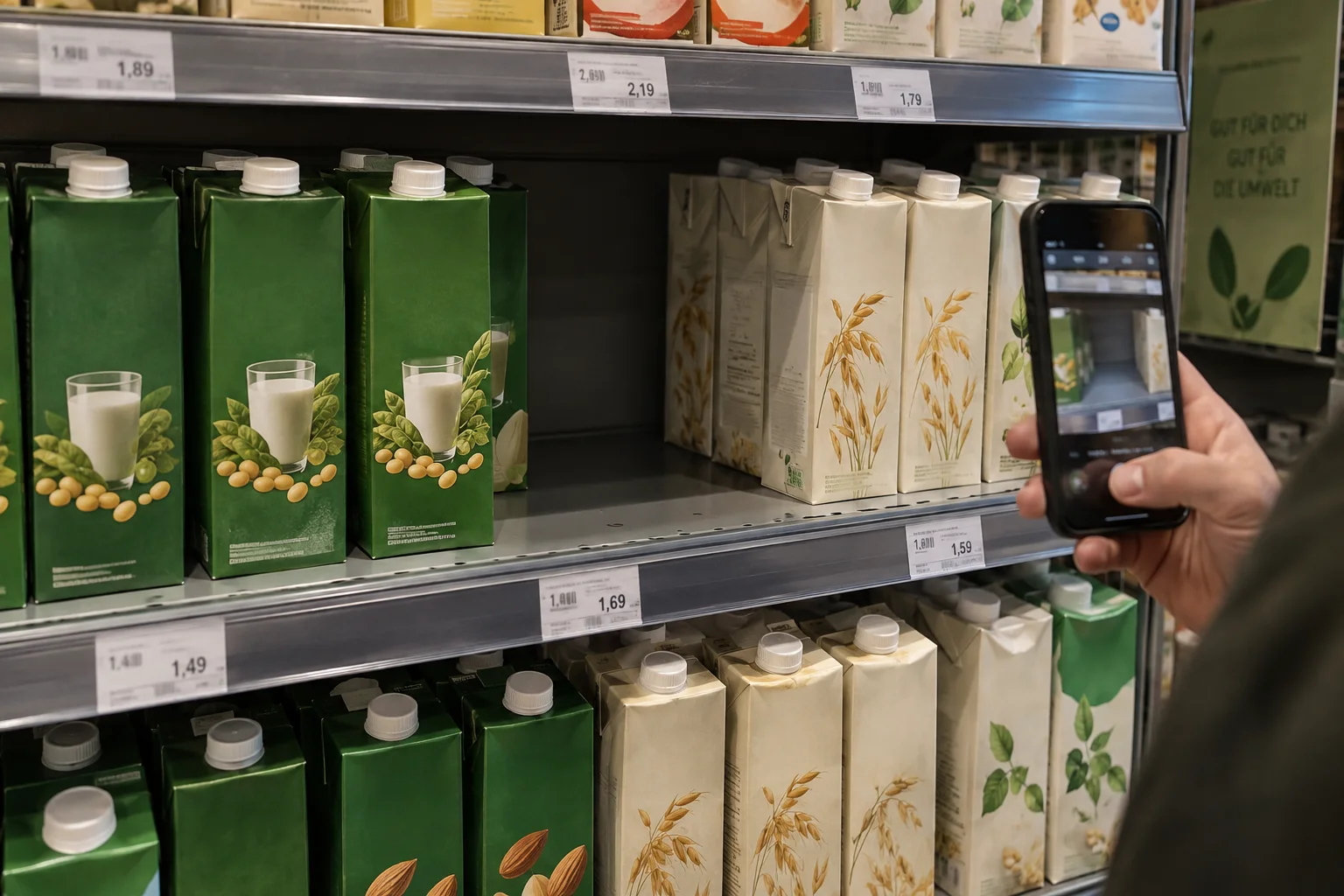
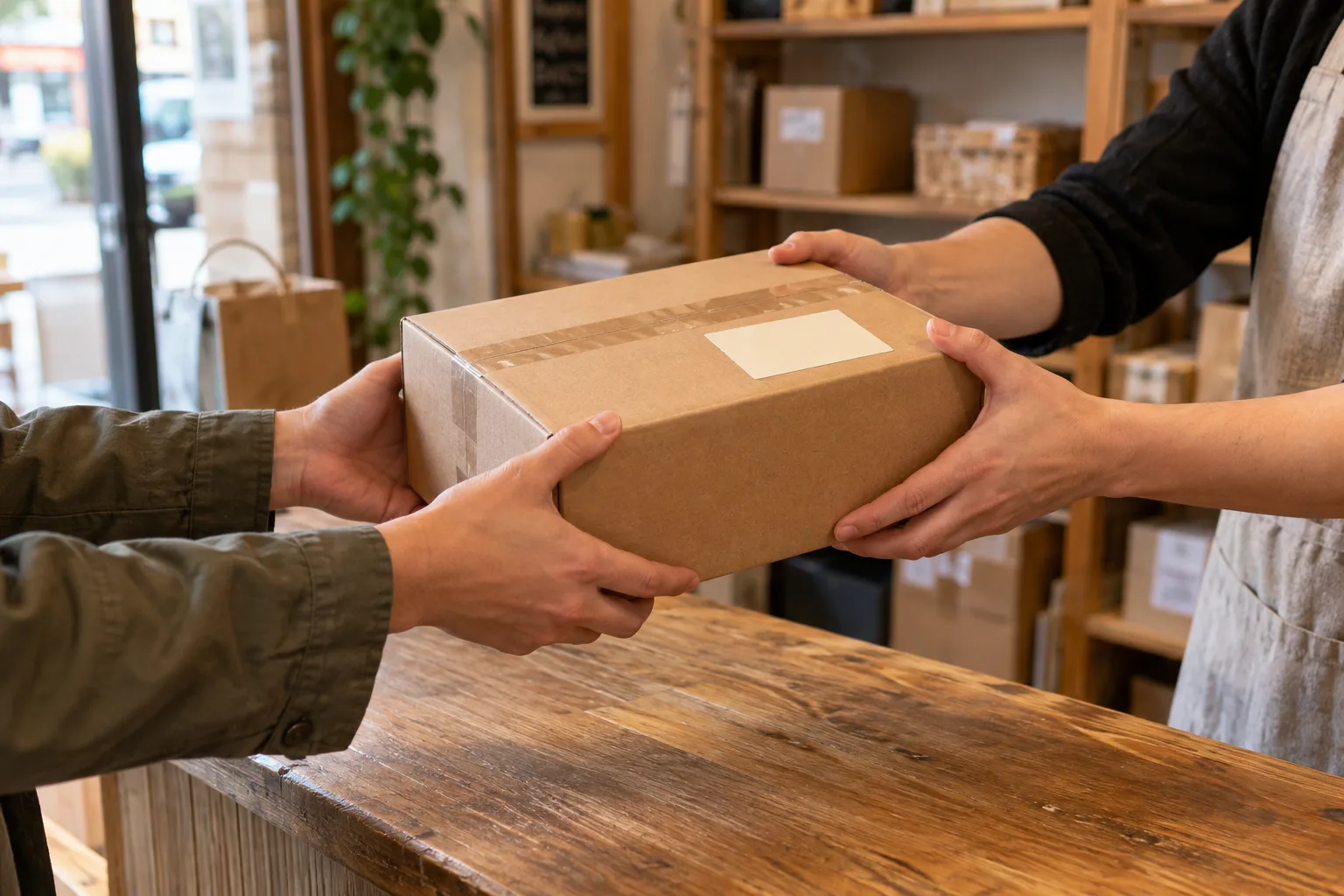
A place to turn clear requests into tasks in the physical world. Check a location, prepare a shopping basket, collect a parcel or arrange a driver.

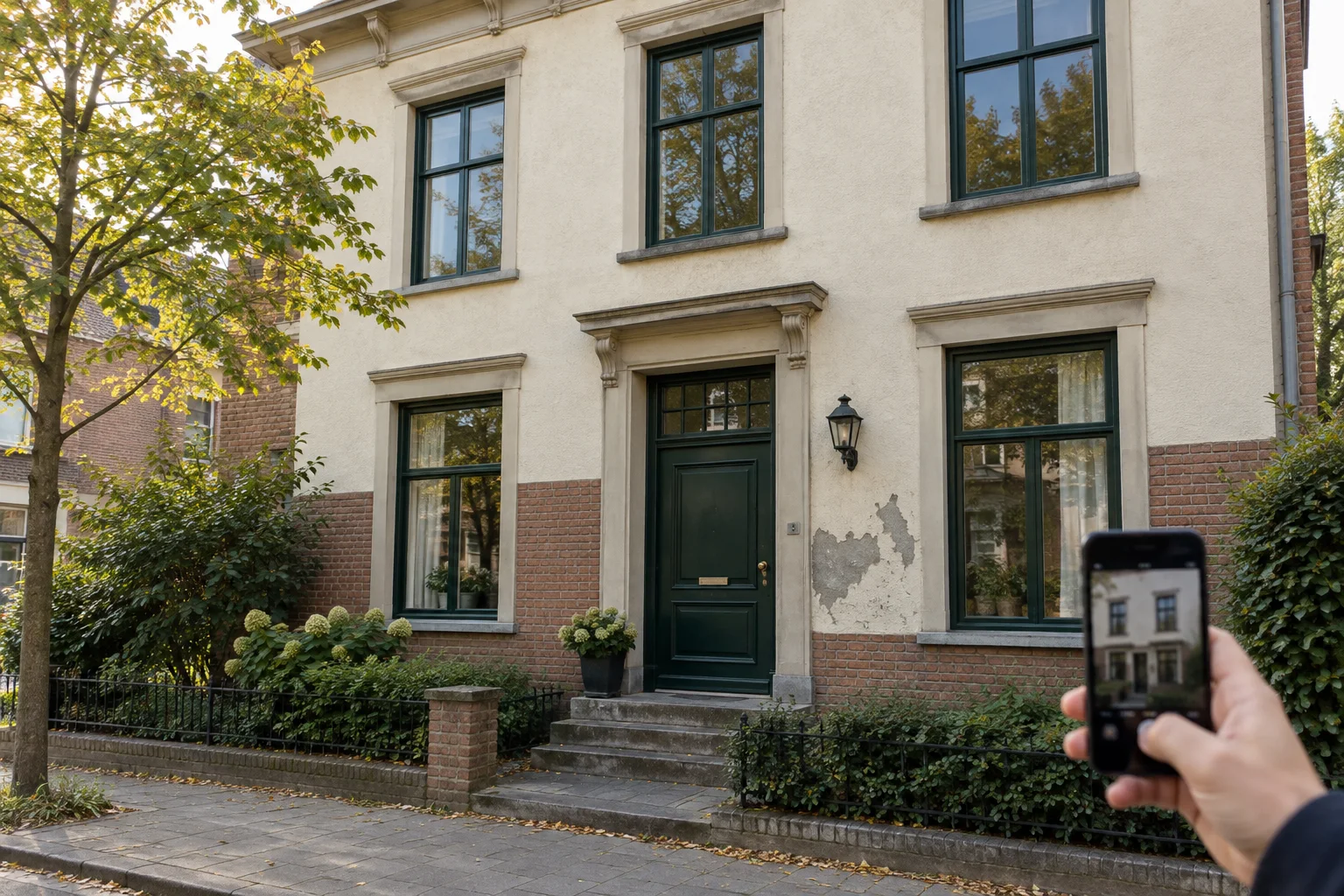
Start with photo checks. Explore the preparation, collection and travel tasks we plan to add next.

Try photo checks with sample tasks today. Preparation, bookings, AI access and paid field services are planned.

Your request Clear instructions A reviewable result
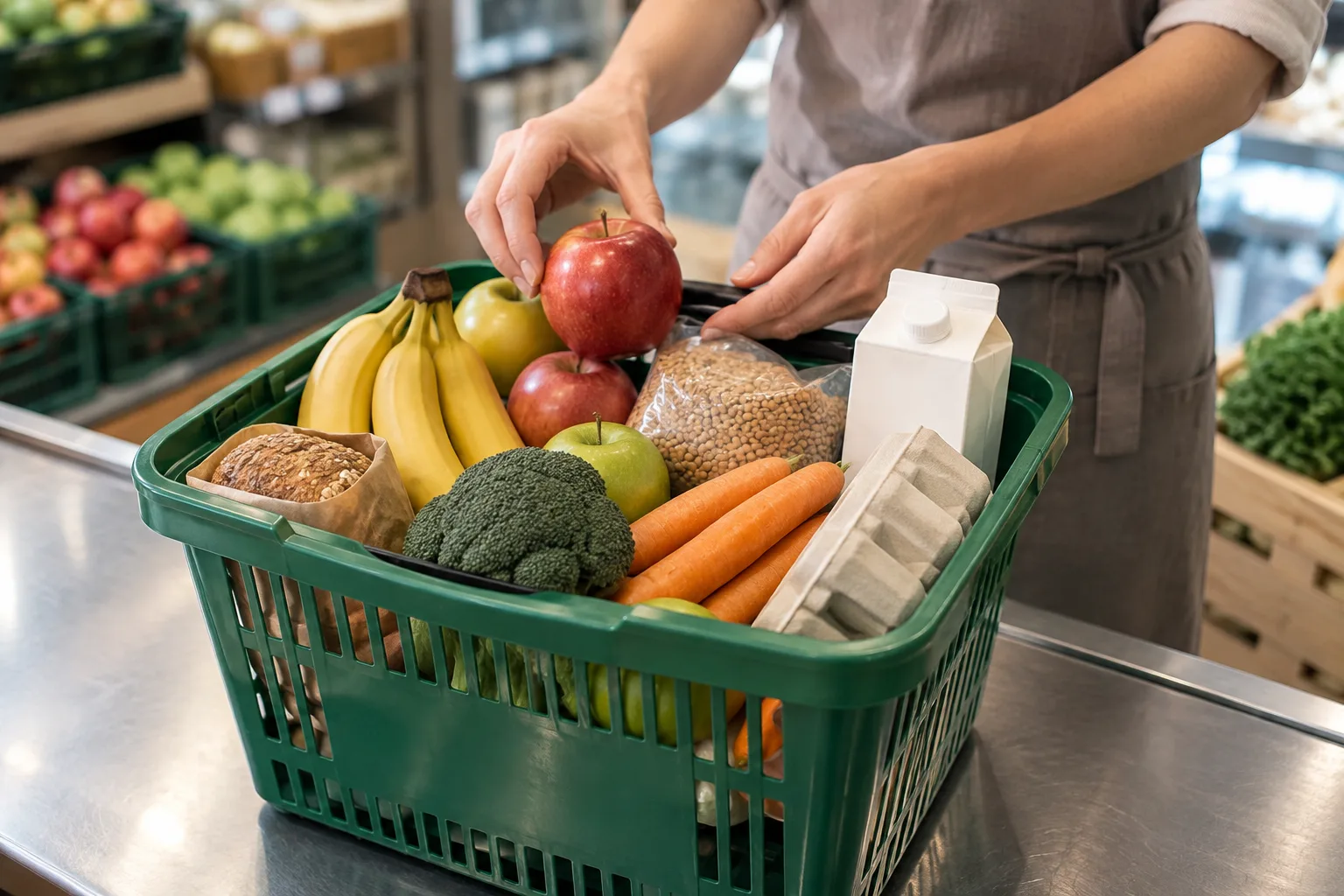
Illustrative grocery task: fruit, vegetables, bread, eggs and milk being arranged in a shopping basket Illustrative example
Planned task · example request

Prepare a varied grocery basket.

Expected result

A basket matching your list and approved budget, with substitutions confirmed first.

One clear request. The right help. A result you can review.

WHAT COULD YOU ASK SOMEONE TO DO?

Different needs.
Concrete tasks.

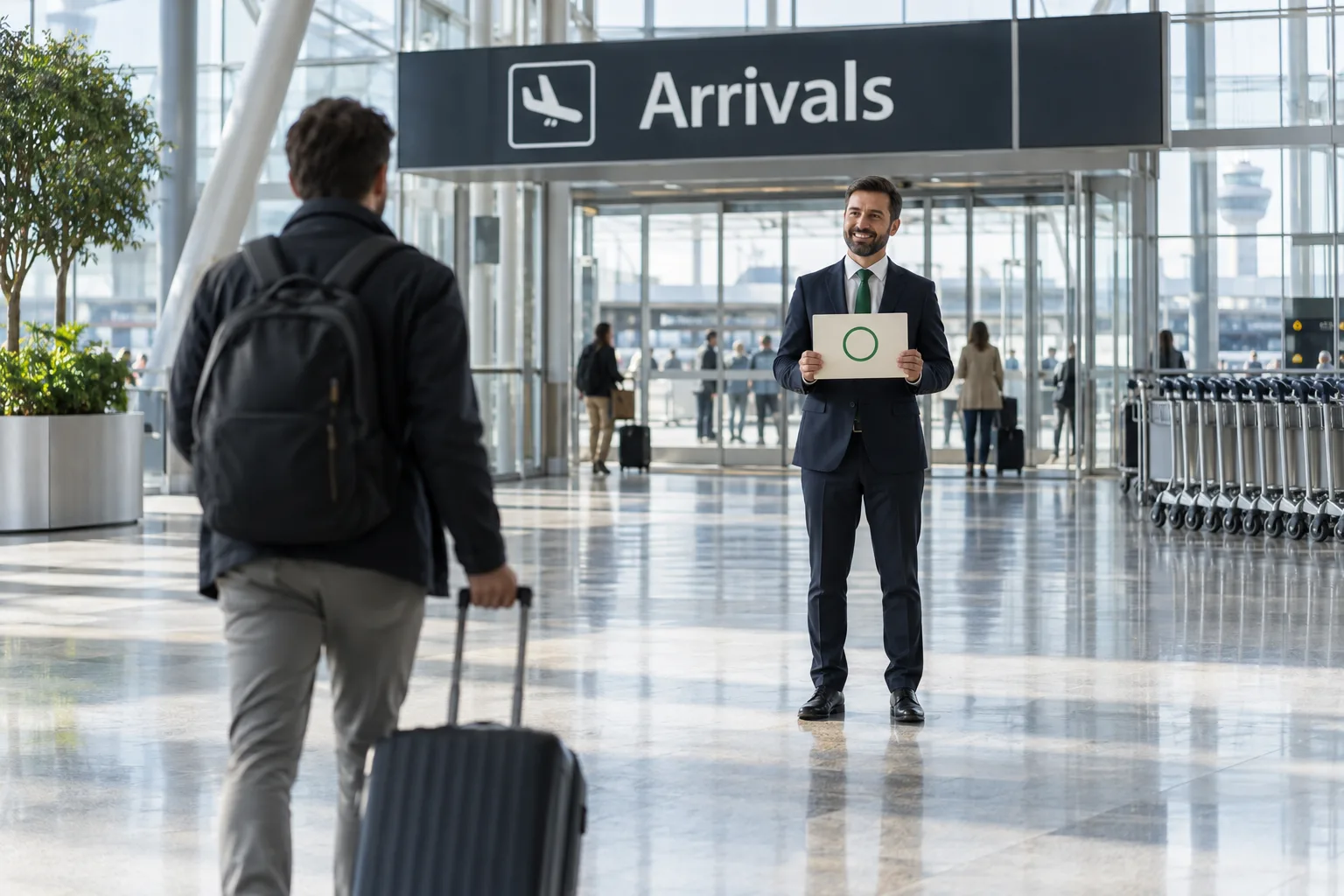
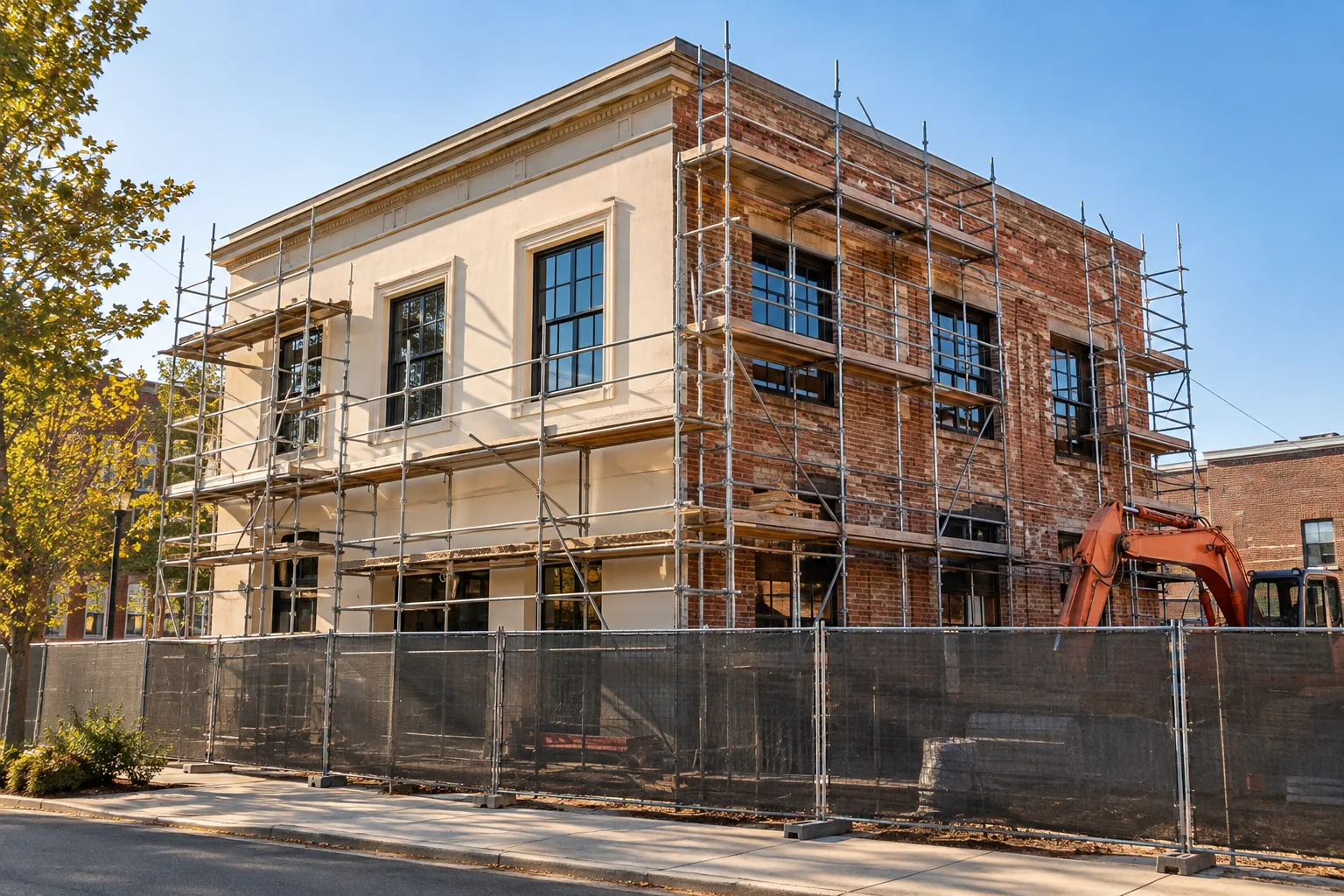
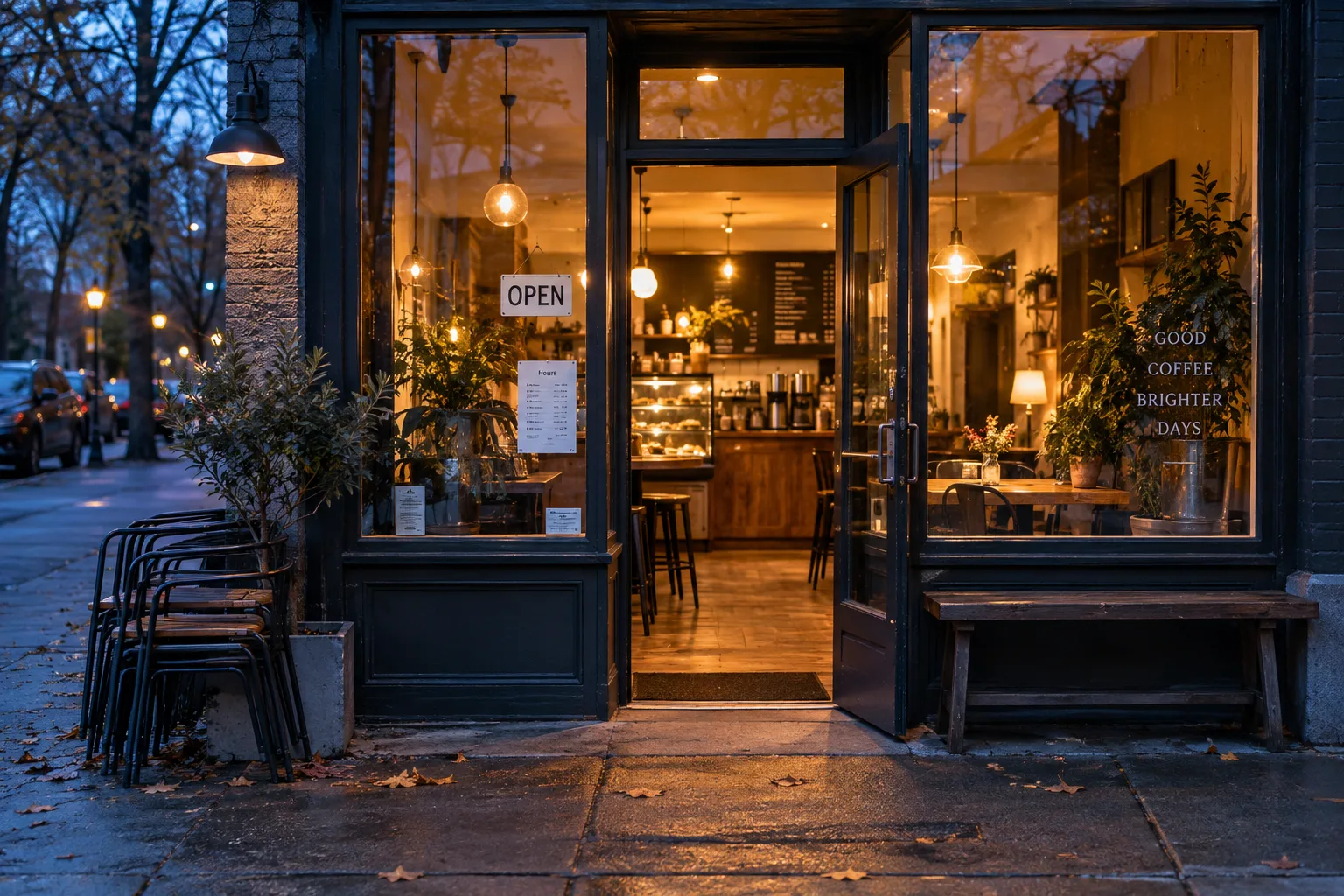
From groceries ready to collect to a driver waiting at arrivals. Explore 12 examples, including requests your AI assistant could coordinate with your approval.

12 task examples

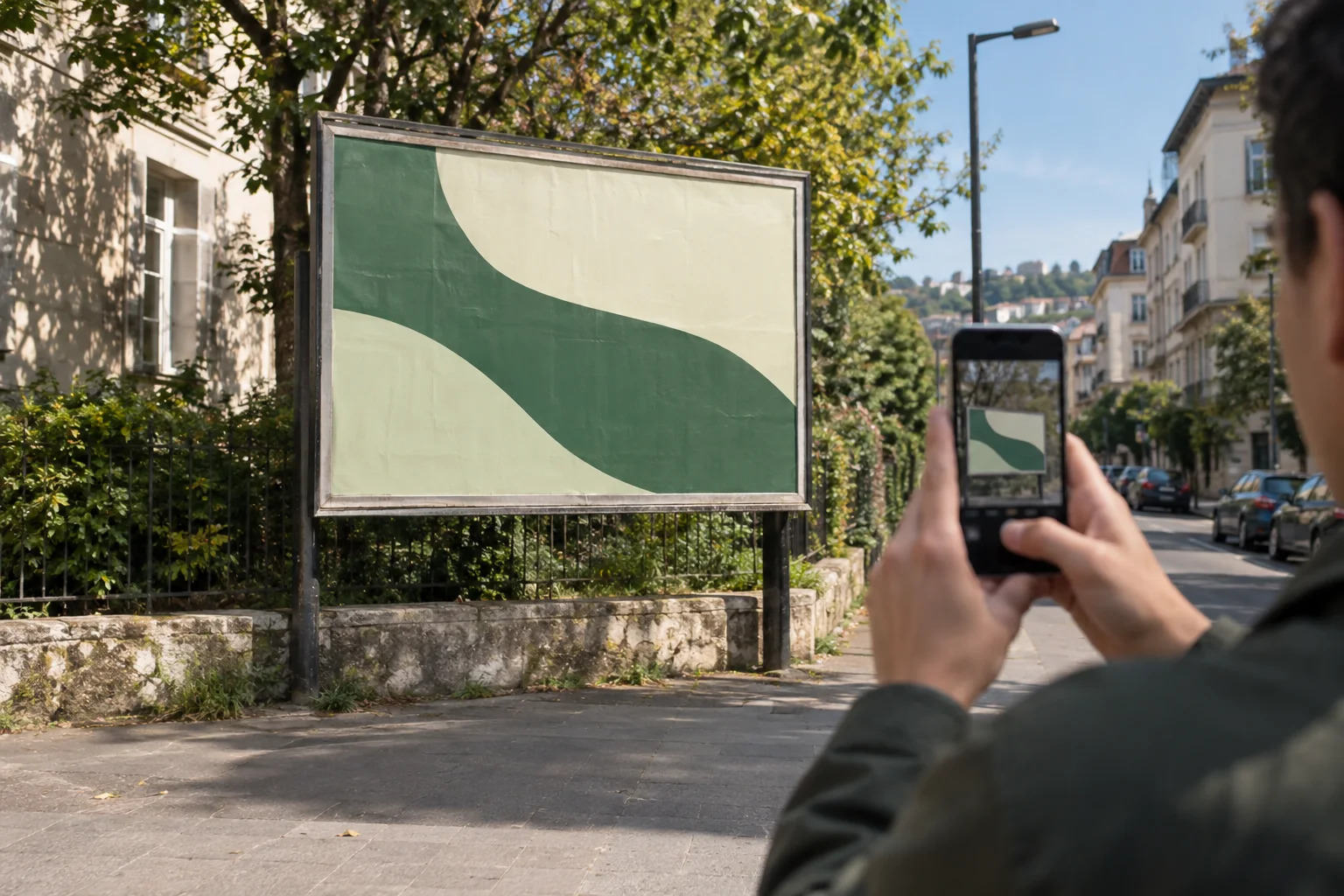
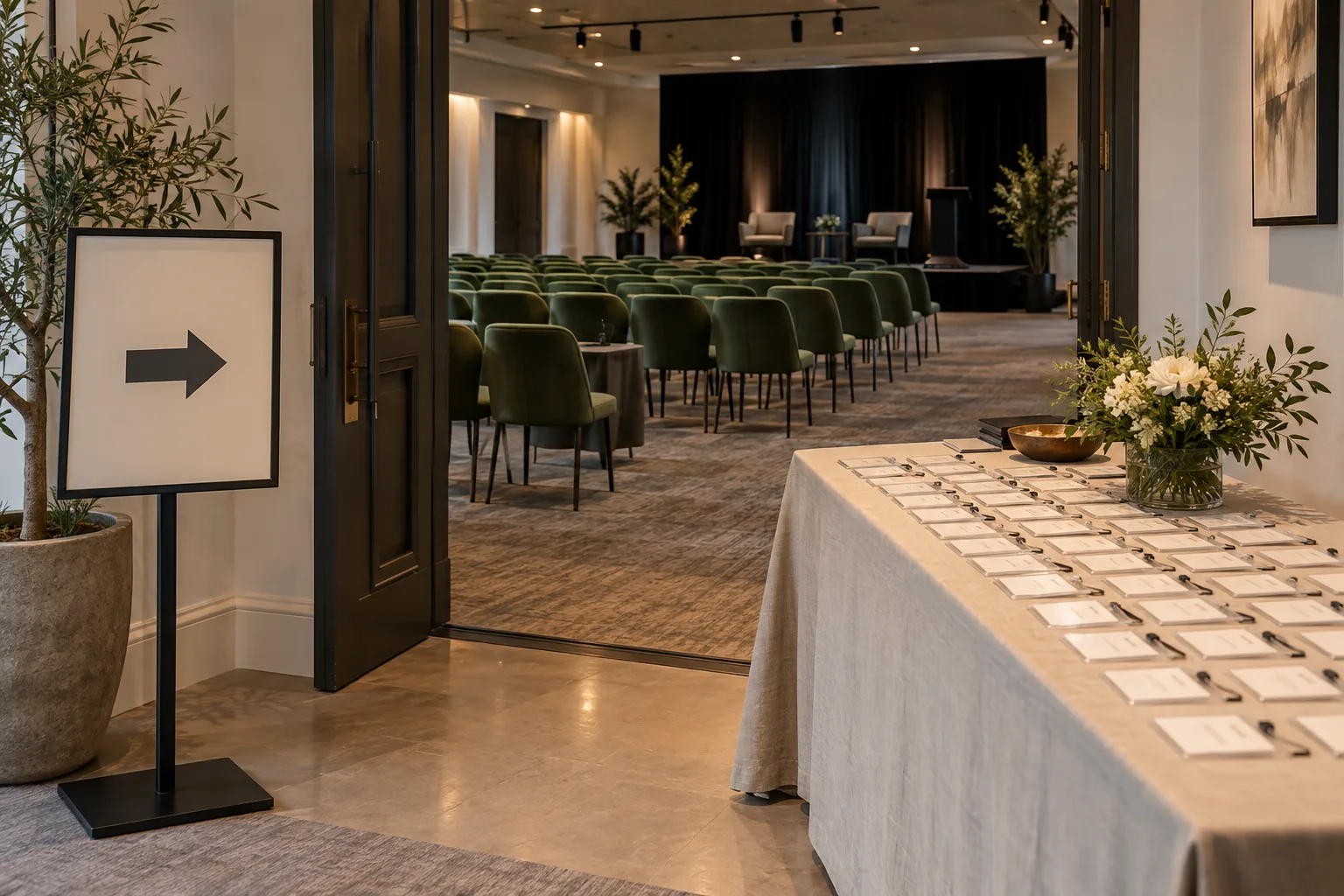
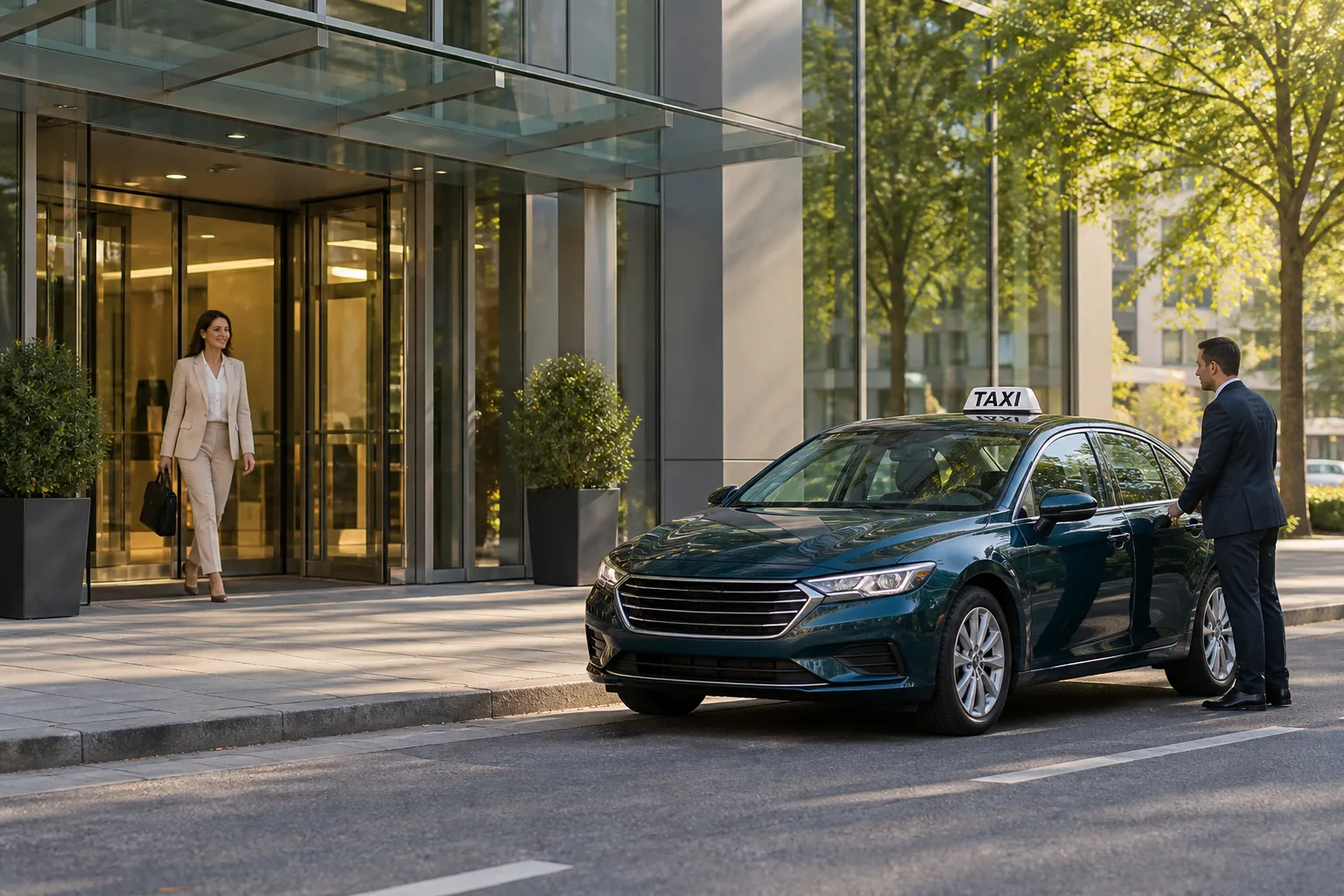
Illustrative task examples with AI-generated photos, not completed customer jobs. Preparation, collection, transport and AI booking are planned; these examples do not place orders or reservations.

PLANNED · TASKS FROM AI ASSISTANTS

Your AI plans it.
Someone carries it out.

Our goal is to let your assistant coordinate practical help with your permission, budget and timing built into the request.

Example request to your AI
“I land at 18:30. Arrange a driver with room for two bags, and have a grocery basket ready at my apartment.”

You approve the plan and cost before any booking.

Explore the planned AI connection

TRY TODAY · THE PHOTO-CHECK WORKFLOW

You ask. They check.
You review.

You set the question. The checker supplies observations. You decide whether the evidence answers your brief.

  1. 01

    Describe the task

    Choose a location, write what needs checking and specify the photos you want.

  2. 02

    Collect photos and findings

    Assign a checker. They follow your instructions, add photos and report what they see.

  3. 03

    Review the result

    Open the photos and notes. Accept the result or ask for another look if something is missing.

BUILT FOR BUSINESSES WITH MORE THAN ONE LOCATION

One brief.
Every location.

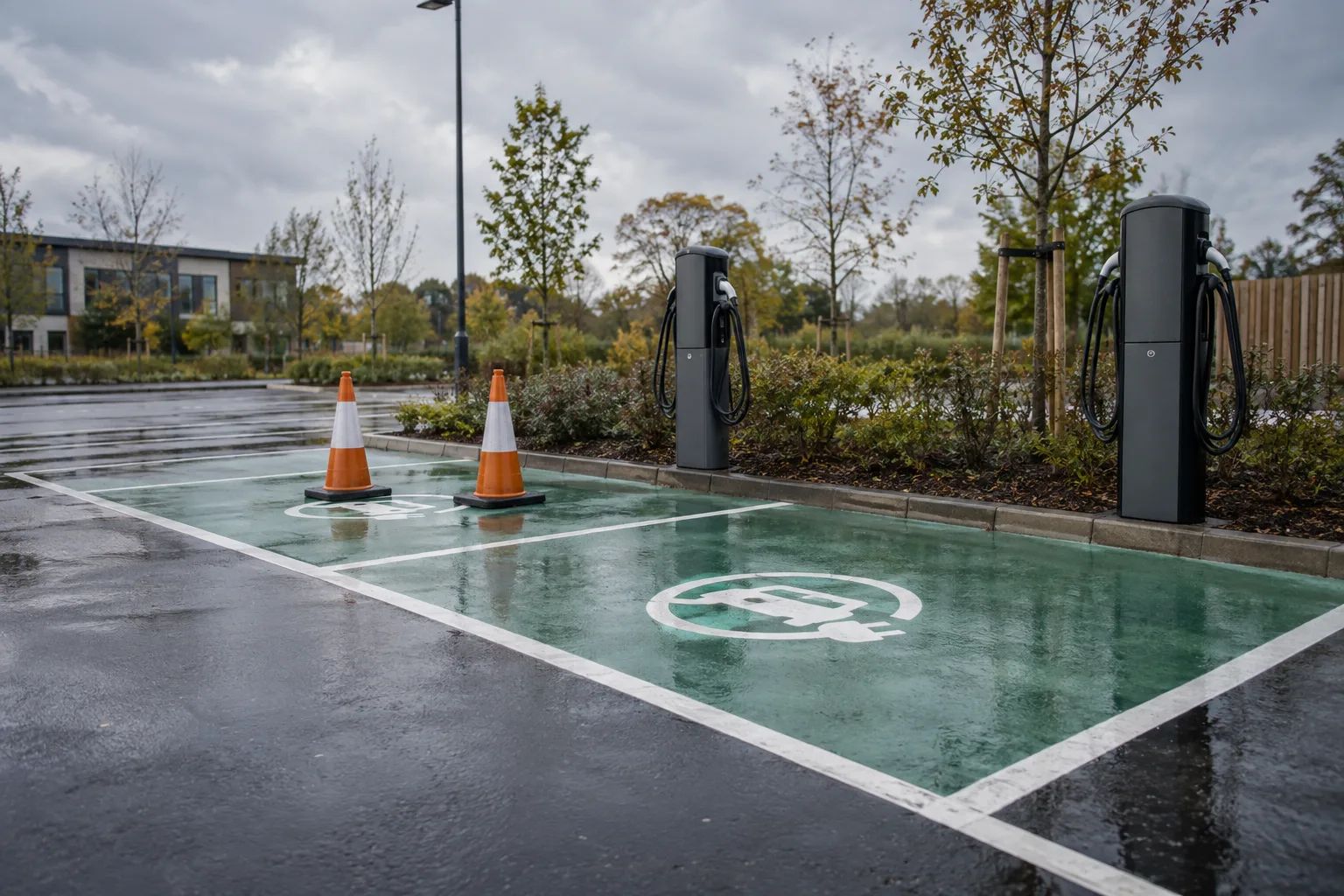
Keep a store network, advertising campaign or property portfolio organised. Compare findings and follow up on the locations that need attention.

Group checks in a campaign

Keep the same instructions and required evidence across your locations.

Reuse the brief next time

Create a new draft from a previous campaign. Automatic scheduling is still planned.

Keep findings and decisions together

Review photo history, record a follow-up and export a location snapshot.

Want to try the checker side?

Open a sample assignment, add photos and send your observations for review.

Try the checker workspace

START WITH ONE QUESTION

Your first location check.
From brief to photos.

Create an account and explore the workflow with sample data.

Try ProofTerra
Reduced motion