WHEN IT HELPS
A request with a purpose.
Outdoor media teams, brand managers and agencies planning recurring checks across advertising locations.
THE REQUEST BRIEF
What to include.
Identify the authorised observation point, installation and campaign creative.
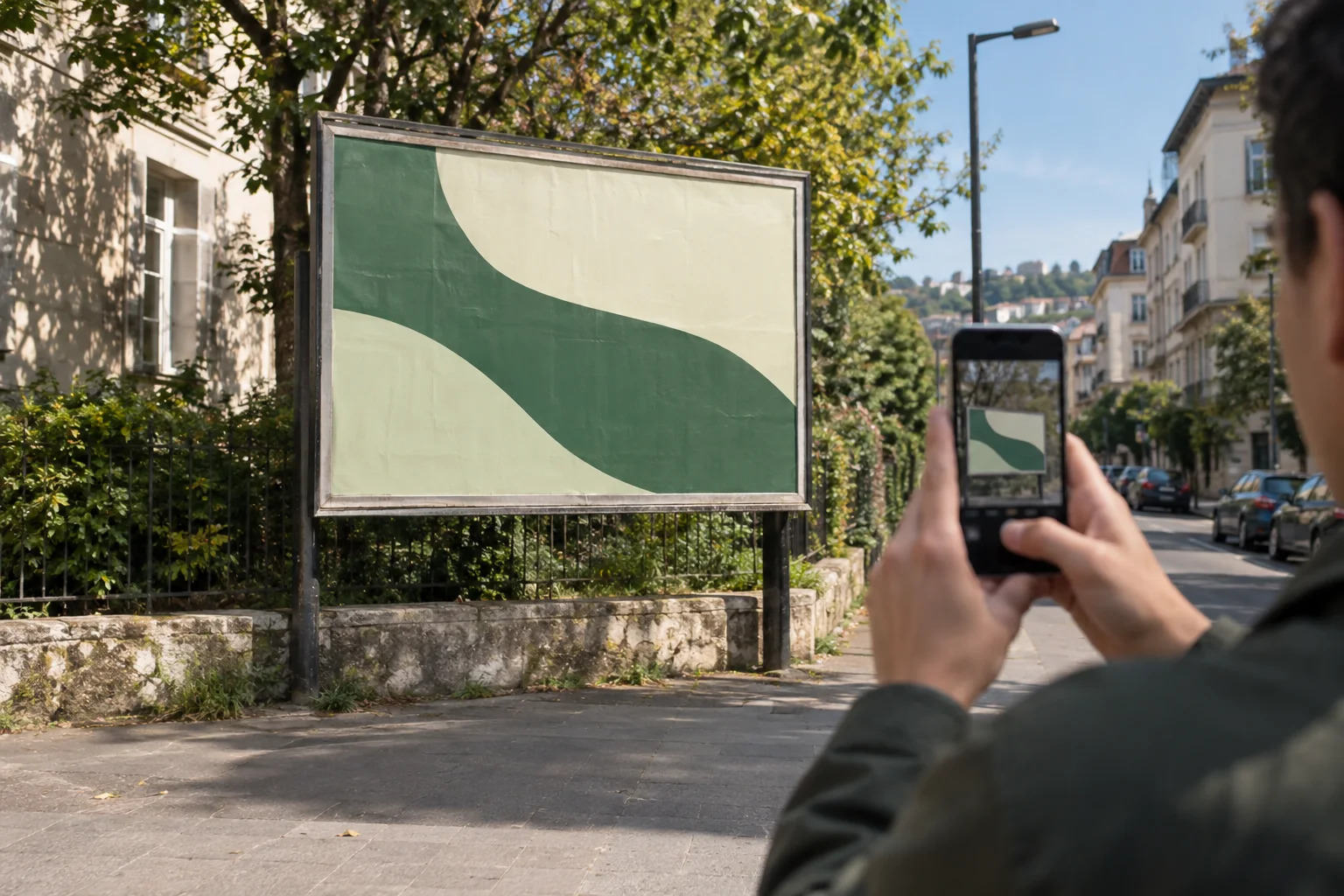
Request a full view showing obstructions and a close view of the poster or panel.
Describe visible conditions to report, such as damage, missing material or a blocked sightline.
Specify the observation window and how to report a location that cannot be checked safely.
REVIEW THE OUTCOME
What counts as a useful result?
Distinct context and detail photos, the observed condition and a reviewable exception report. A successful upload alone is not acceptance of the installation.
Know the limits.
You can explore this with sample campaigns and evidence in the current workflow. Paid field checks, guaranteed coverage and automatic recurring visits are not publicly offered yet.
Common questions.
Can one brief cover several billboards?
Yes, the sample company workflow supports a campaign brief with multiple locations. Each location has its own task context and result.
Does a weekly frequency schedule real visits?
No. Frequency is currently saved for planning; an automatic scheduler and paid field dispatch are not active.