WHEN IT HELPS
A request with a purpose.
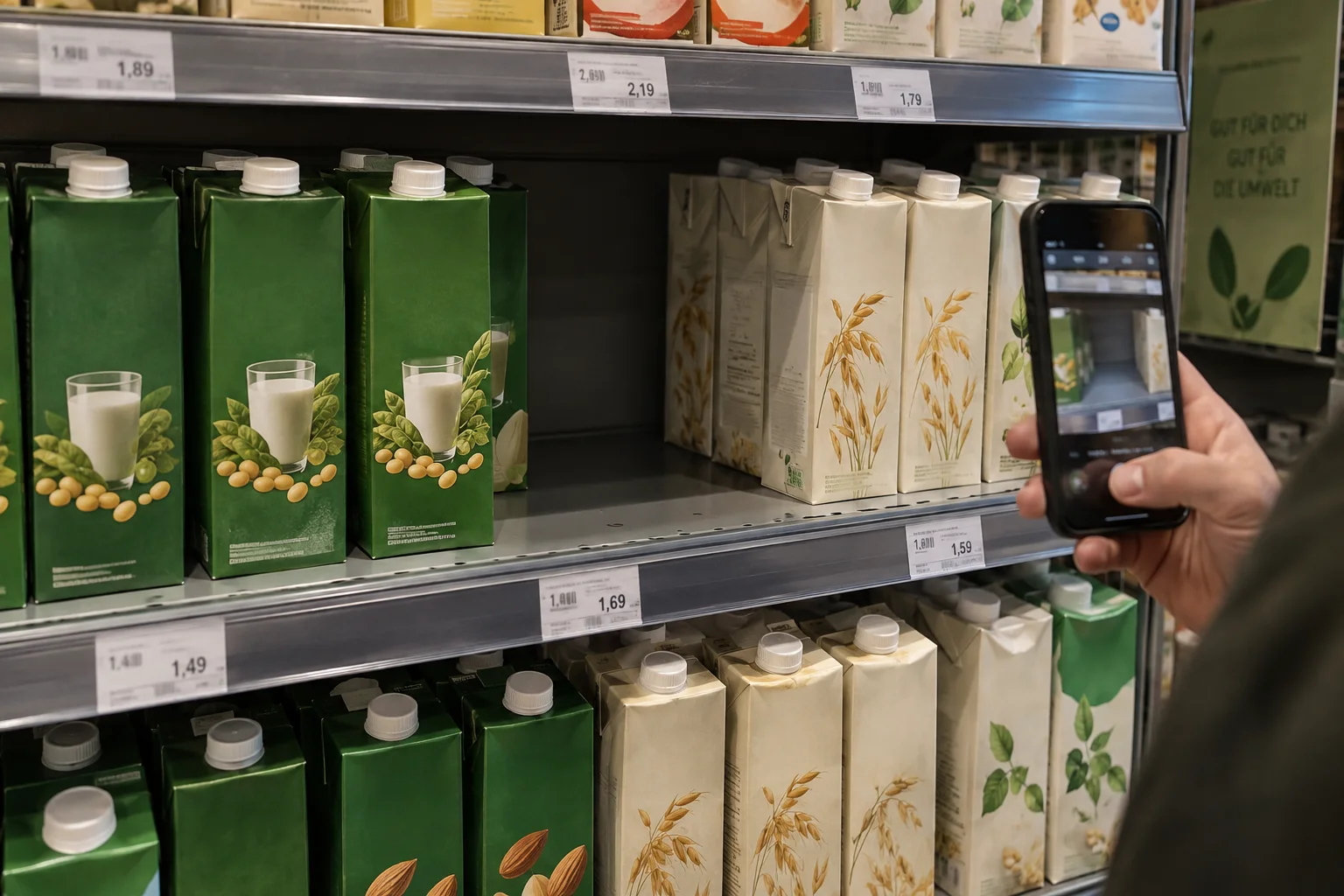
Retail operations, field merchandising teams and brands comparing presentation across a set of stores.
THE REQUEST BRIEF
What to include.
Identify the store, product variant and authorised observation area.
Request a shelf overview and a readable detail of the relevant product or label.
Define how to report visible absence, a different price or an inaccessible aisle.
Avoid photographing identifiable shoppers, staff records or restricted store areas.
REVIEW THE OUTCOME
What counts as a useful result?
A location-linked observation with context/detail photos and clear notes. Visible shelf absence does not prove that the store has no stock in its back room.
Know the limits.
The current workflow supports sample planning and review. Live retail coverage, store access agreements, stock guarantees and purchasing are not available services.
Common questions.
Does this confirm a store's complete inventory?
No. It records what could be observed in the requested area. Inventory-system access and hidden stock require a different authorised source.
Can an AI compare the returned findings?
Structured results are part of the product direction. The external agent API is planned; current users can explore the company workflow and its reports.