WHEN IT HELPS
A request with a purpose.
Project coordinators, property owners and facilities teams organising visual updates from authorised areas.
THE REQUEST BRIEF
What to include.
List the authorised areas, observation window and site contact.
Define repeatable viewpoints and the visible work to document.
Request a broad context image plus details of the specific progress question.
Require reporting of blocked or unsafe access without entering restricted work areas.
REVIEW THE OUTCOME
What counts as a useful result?
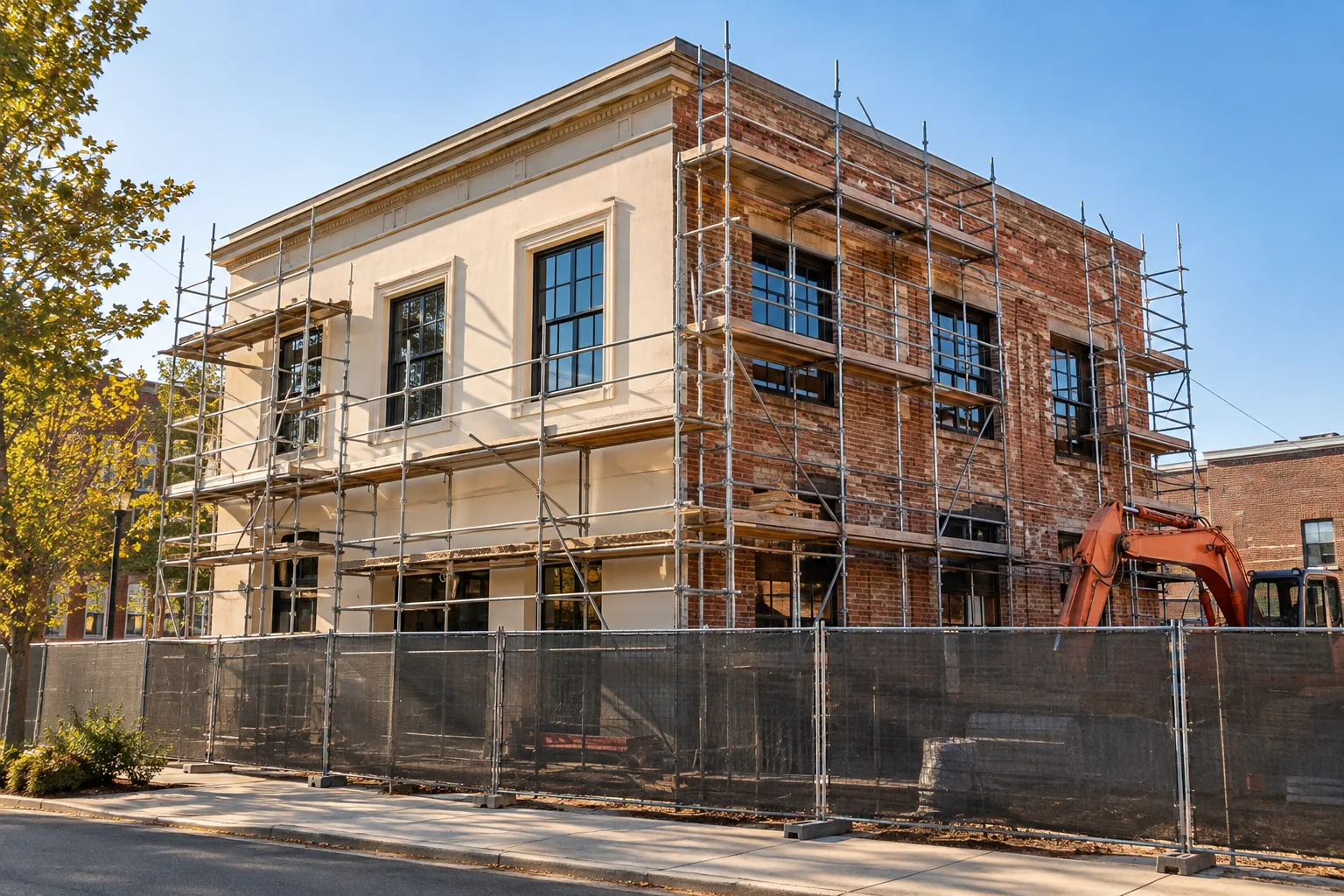
Comparable photos and factual notes linked to the requested area. Technical quality, hidden work and contractual completion require the appropriate separate review.
Know the limits.
This guide supports the sample verification workflow. It is not a building inspection, work certification, site-safety service or a currently bookable site visit.
Common questions.
Can photos prove a contractor completed a milestone?
They can contribute evidence of visible progress, but completion depends on the agreed contract and any technical inspection it requires.
Should an agent approve a payment from these photos?
Only an expressly authorised payment policy and required review could permit that. The current ProofTerra workflow does not release contractor payments.