WHEN IT HELPS
A request with a purpose.
Location-data teams, multi-site businesses and organisations reviewing public-facing signage and entrance information.
THE REQUEST BRIEF
What to include.
Identify the exact branch, address and entrance rather than only the business name.
Specify the date, local time window and signs that should be readable.
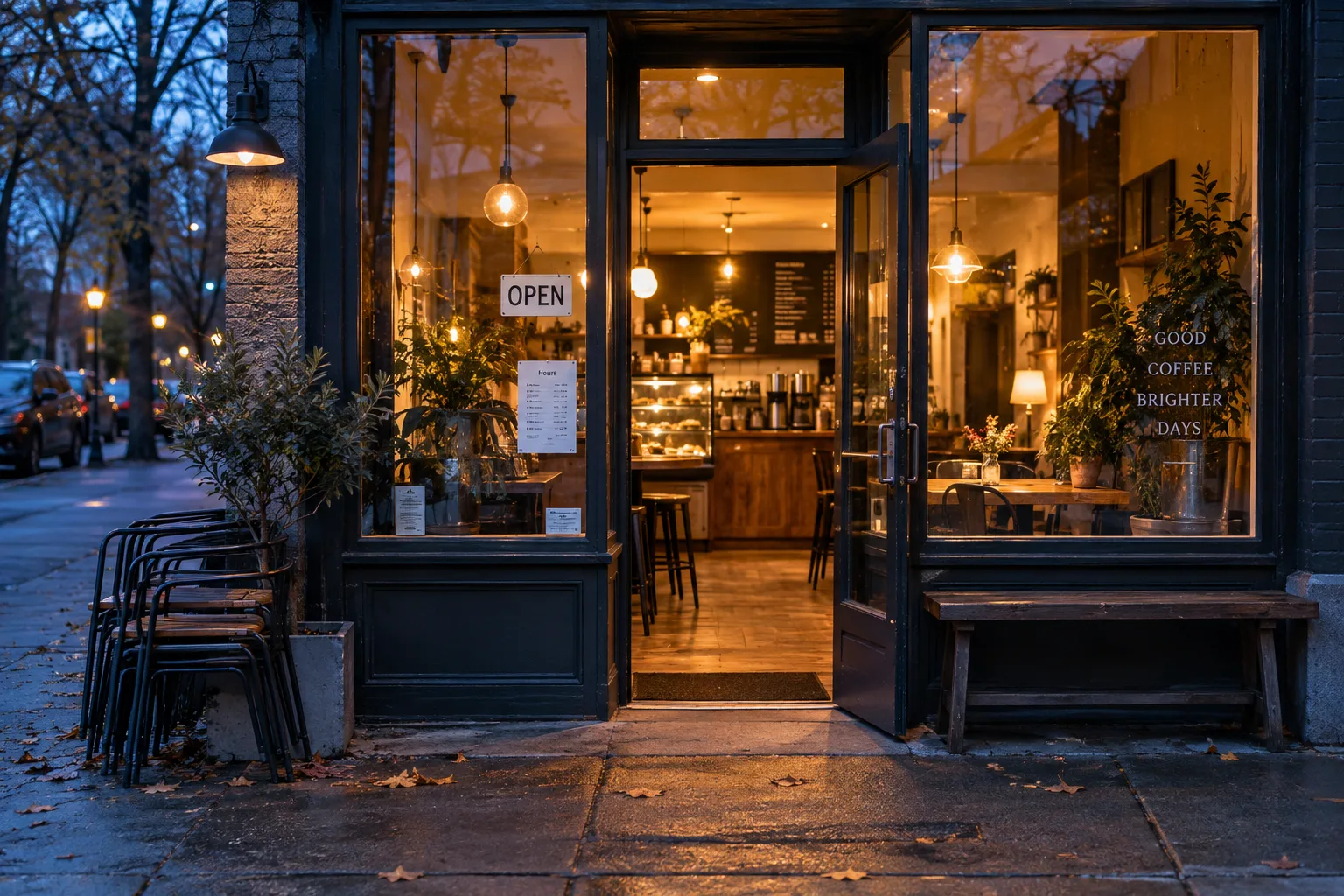
Request a context photo and a close-up of posted hours or temporary notices.
Define how to report uncertainty, a locked entrance or a branch that cannot be identified.
REVIEW THE OUTCOME
What counts as a useful result?
Time-specific photos and notes that distinguish posted information from observed access. Do not extrapolate one visit into a permanent opening-hours guarantee.
Know the limits.
Explore this as a sample verification campaign. ProofTerra does not currently guarantee real-time business availability, publish corrected listings or dispatch paid checkers.
Common questions.
Can a checker confirm the business will be open tomorrow?
A photo can record posted hours. Tomorrow's operation still needs current confirmation from the business, especially around holidays or temporary changes.
Can several branches use one campaign?
The sample company workflow supports a shared brief with separate location records, making each branch's context and findings reviewable.